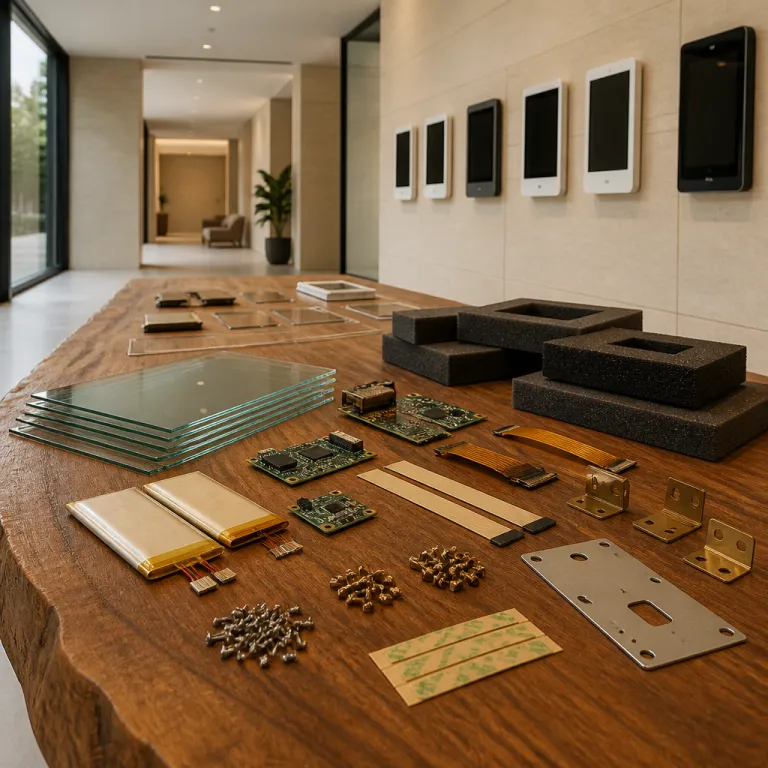
From meeting room screens to hiring touchpoints
Recruitment leaders are quietly turning every meeting room into a hiring asset. When a booking tablet sits outside a conference room, it no longer just shows room availability, it also becomes a live interface between candidates, employees, and recruiters. This shift matters because mobile recruitment now happens in the same office space where interviews, assessments, and onboarding take place.
In many tech driven offices, a wall mounted Android tablet or iPad already manages room booking and room scheduling in real time. Extending that same display tablet with lightweight hiring software lets talent teams show interview slots, recruiter presence, and even digital signage about open roles next to the room display. The booking software that once focused only on meeting rooms now supports candidate flows, from first screening to final meeting in a conference room.
Facilities teams usually choose an 8 inch or 10 inch wall unit with a bright display and a quad core processor to keep the interface smooth. That same hardware easily runs mobile recruitment tools alongside room booking features, especially when powered by PoE so the tablet never loses power during a busy hiring day. When employees see a consistent room display on all tablets across the office wall, they also gain a consistent view of interview traffic and candidate experience.
Designing a booking tablet strategy for mobile recruitment
Talent leaders should treat every booking tablet as a strategic touchpoint in the hiring journey. A single Android tablet outside a meeting room can show interview schedules, candidate names, and recruiter notes while still handling room booking for internal meetings. When multiplied across several room displays, this approach creates a network of hiring aware screens that support mobile recruitment solutions.
To make this work, the booking software must integrate with the Applicant Tracking System and calendar tools used by the hiring team. That means the same software that manages office space and meeting rooms should also sync interview slots, hiring manager availability, and candidate confirmations in real time. A well designed room display then becomes a live dashboard for both employees and visitors, reducing no shows and improving time to hire.
Organizations that already use mobile recruitment platforms can extend them through a booking tablet fleet rather than building new hardware. An Android tablet or iPad with a 10 inch wall display, a stable wall mount, and PoE power offers enough performance for candidate check in, interview feedback forms, and digital signage about the employer brand. For a deeper dive into how mobile solutions transform hiring, you can read this analysis on future ready mobile recruitment tools and then map those principles onto your room booking environment.
Hardware choices that matter for hiring centric room displays
Choosing the right tablets for hiring tech is not only about price. A booking tablet used for recruitment must handle constant use, clear visibility, and secure data handling while mounted on a wall in busy corridors. The combination of display quality, inch size, and mounting options directly affects how candidates and employees experience the system.
Most organizations prefer a 10 inch wall mounted Android tablet or iPad because the larger display makes interview details readable from a distance. A smaller 7 inch unit may work for compact office corridors, but it can limit how much room scheduling and candidate information fits on the screen without clutter. When the display tablet supports PoE, facilities teams avoid messy cables and ensure that every room display remains powered throughout long hiring days.
Mounting also matters for security and accessibility, especially when booking tablets serve as semi public hiring kiosks. A robust wall mount with tamper resistant screws keeps each unit safe while still allowing maintenance teams to access the tablet for updates. When access control systems manage who can unlock the mount and service the device, the same security mindset that protects conference room doors also protects candidate data, as explored in this article on workplace access control transformation.
Interface design, light bars, and candidate experience
Interface design on a booking tablet influences how candidates perceive the employer brand before they meet anyone. A clean room display with clear room availability indicators, readable meeting titles, and intuitive buttons signals that the hiring team values organization and respect for time. When the same display tablet also shows wayfinding information and digital signage about the hiring process, candidates feel guided rather than lost.
Many modern room displays add a light bar or LED light strip around the tablet frame to show room status at a glance. Green light means the meeting room is free, red indicates a live interview, and amber can signal a short buffer time between sessions, helping employees avoid accidental interruptions. When these light bars operate in real time and sync with room scheduling software, they reduce friction for both recruiters and candidates moving between meeting rooms.
Designers should also consider accessibility when configuring Android tablet or iPad interfaces for hiring use. Larger fonts, high contrast colors, and clear icons help visitors quickly understand where to go, even if they are unfamiliar with the office space. A quad core processor ensures that animations, transitions, and live updates remain smooth, so the booking tablet never feels sluggish during peak interview traffic.
Data, analytics, and ROI from recruitment aware room booking
Once booking tablets are integrated with hiring systems, they generate valuable data about how recruitment actually uses office space. Every room booking for an interview, every last minute change, and every no show becomes a data point that can improve workforce planning. When these data points flow into analytics dashboards, talent leaders gain a precise view of interview density, recruiter workload, and candidate throughput.
For example, a company might track how often a specific conference room is used for technical interviews versus general meetings. If room scheduling data shows that certain meeting rooms consistently host final stage interviews, facilities teams can prioritize better displays, improved soundproofing, and more comfortable seating in those spaces. The booking software then becomes a tool not only for logistics but also for strategic investment in hiring environments.
ROI emerges when organizations reduce wasted time and improve candidate satisfaction through better room availability management. A reliable wall mounted Android tablet that updates in real time can cut double bookings, late starts, and confusion about where interviews take place. Over months, these small gains translate into shorter hiring cycles, lower operational cost, and higher loyalty among both candidates and employees who experience a smoother process.
Practical steps to implement booking tablets for hiring tech
Implementing a recruitment aware booking tablet network starts with a clear inventory of meeting rooms and office corridors. Map which rooms host interviews, which serve as quiet spaces for candidate assessments, and which conference rooms handle group sessions or assessment centers. This mapping guides where to place each wall mounted display tablet and how to configure the room display layouts.
Next, select hardware that balances price, durability, and performance, such as a 10 inch Android tablet with PoE support and a secure wall mount. Ensure that the quad core processor can handle both room booking software and any additional hiring applications, including candidate check in forms or digital signage about open roles. Standardizing on a small set of tablet models simplifies maintenance, updates, and spare unit management for the facilities team.
Finally, work with HR, IT, and office managers to define governance around who can change room scheduling, edit interview titles, or override room availability in real time. Clear rules prevent conflicts when employees try to book a meeting room that is already reserved for a candidate interview. For broader context on how workplace technology trends intersect with operational strategy, this article on sustainability driven facility management offers useful parallels for long term planning.
Key statistics on booking tablets and mobile recruitment
- Market research firms such as MarketsandMarkets and Grand View Research estimate that global meeting room booking software revenue has reached the hundreds of millions of dollars, reflecting rapid adoption of room displays and booking tablets in hybrid offices.
- Studies from workplace analytics vendors, including VergeSense and Density, report that roughly a quarter to a third of scheduled meetings are either canceled or moved, which highlights the value of real time room availability updates on wall mounted Android tablets and iPads.
- Surveys of candidates by major recruitment platforms like Glassdoor and LinkedIn show that a majority of applicants prefer employers who offer clear, digital wayfinding and check in tools, which can be delivered through booking tablets outside conference rooms.
- Facilities benchmarks from large enterprises and real estate advisors such as JLL and CBRE indicate that optimizing meeting room usage through digital signage and room scheduling tools can reduce the required office space per employee by several square meters, improving ROI on real estate.
FAQ about booking tablets in hiring tech
How does a booking tablet improve the candidate experience?
A booking tablet outside a meeting room gives candidates clear information about where to go, when their interview starts, and who they will meet. When the room display updates in real time, it reduces confusion and waiting time in reception areas. This clarity helps candidates feel respected and better prepared before they enter the conference room.
What hardware is best for recruitment focused room displays?
Most organizations choose a 10 inch wall mounted Android tablet or iPad with a bright display and PoE power. The larger screen makes interview details readable from a distance, while PoE ensures reliable power without extra cables. A quad core processor keeps the booking software responsive during busy hiring days.
Can existing room booking software support hiring workflows?
Many modern room booking platforms already integrate with calendar tools and can connect to Applicant Tracking Systems through APIs. By mapping interview types to specific meeting rooms and adding custom fields, the same software can manage both internal meetings and candidate interviews. This approach avoids buying separate systems for room scheduling and recruitment logistics.
How secure are wall mounted booking tablets for recruitment data?
Security depends on both hardware and configuration, including locked wall mounts, device encryption, and user access controls. When tablets are managed through Mobile Device Management tools, IT teams can enforce updates, remote wipes, and strong authentication. Sensitive candidate data should never be fully visible on public room displays, but summarized in a privacy conscious way.
What is the typical price range for a booking tablet setup?
The total price usually includes the tablet, wall mount, PoE adapter, and booking software licenses. Mid range Android tablets or iPads suitable for room displays often sit in the few hundred euros range per unit, before software costs. Organizations should also budget for installation, network configuration, and ongoing maintenance to protect long term ROI.
